Phishing attacks are one of the most common ways cybercriminals try to break into a business – and yes, your team is a target. Attackers don’t discriminate by company size or industry; they’re looking for one person to click on link. That’s exactly why we run phishing simulations: to help your team build the instincts to spot the real thing before it causes real damage.
But we also know that not every suspicious email is easy to identify. That’s where Catch Phish comes in.
What is Catch Phish?
Catch Phish is a built-in feature in your Outlook email from Breach Secure Now that lets you check whether a suspicious email is a phishing simulation – right from your inbox, in just a few clicks.
Where To Find It:

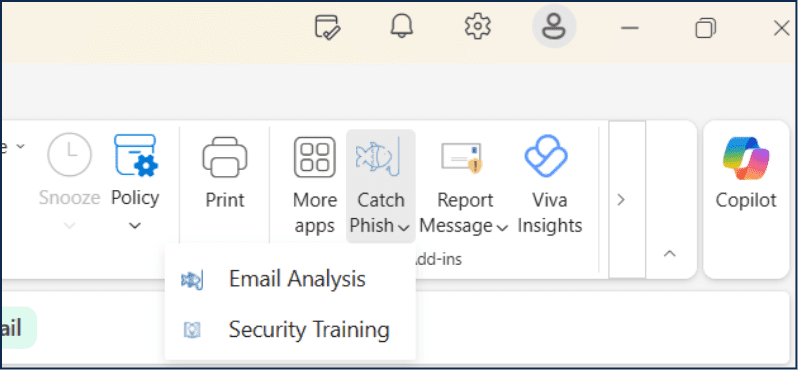
Look for the Catch Phish icon in your Outlook ribbon at the top of an open email. It’s always just a click away.
What Happens When You Click It:
When you click Catch Phish, you’ll have options to either run an Email Analysis or to go to your Security Training. Select Email Analysis to check if the email was simulated.
Email Analysis checks the email against our simulation records and tells you one of two things:
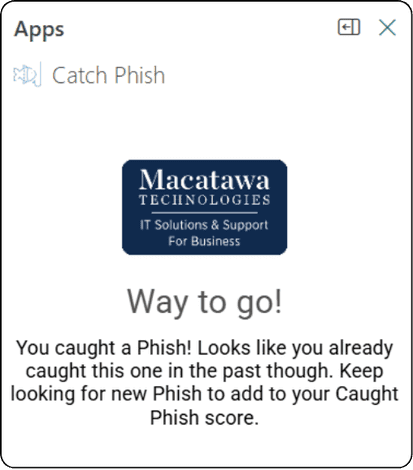
1. This was a simulation – great catch! No action needed but take a mental note of what triggered your senses.
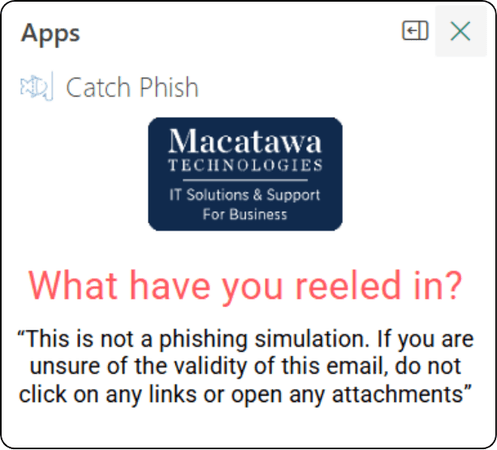
2. This was not one of our simulations – This doesn’t mean the email is automatically dangerous, but it does mean you should proceed with extra caution.
If it Was Not Simulated, Use the S.L.A.M. Method.
Verify the Sender, avoid clicking Links or Attachments, and read the Message again to think through what the email’s intent is. If the email continues to look phishy report it to IT!
It’s important to note that Catch Phish only identifies our simulated phishing emails. It cannot detect or confirm real, malicious phishing attempts – so healthy skepticism is still your best defense.
When in doubt, don’t click – report.
Don’t see the Catch Phish feature in your inbox? Contact us to find out how you can implement it for your team!