At Macatawa Technologies, we use Microsoft 365 to support our continued collaboration throughout the workday, which allows us to communicate regardless of where our team is physically located.
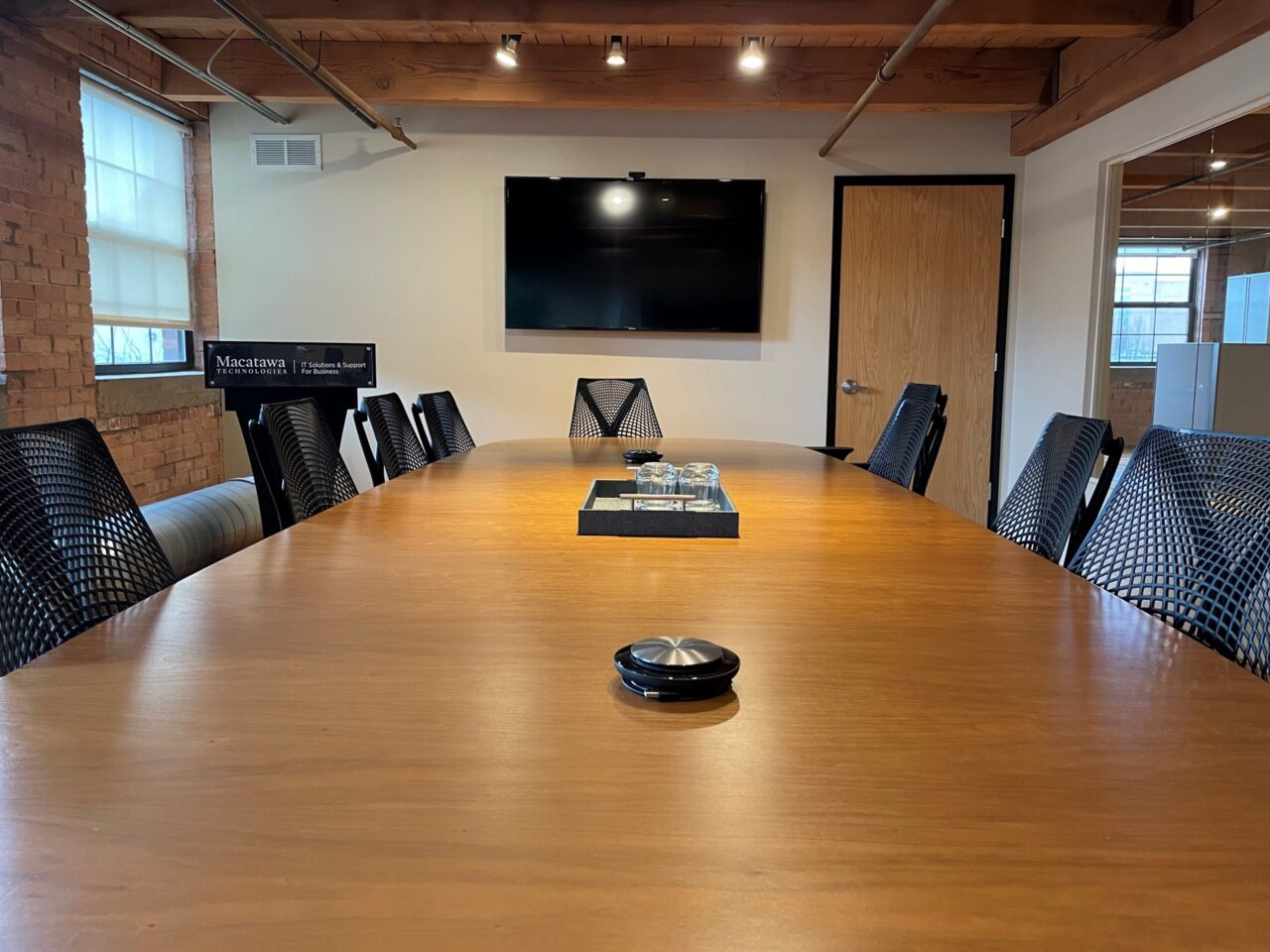
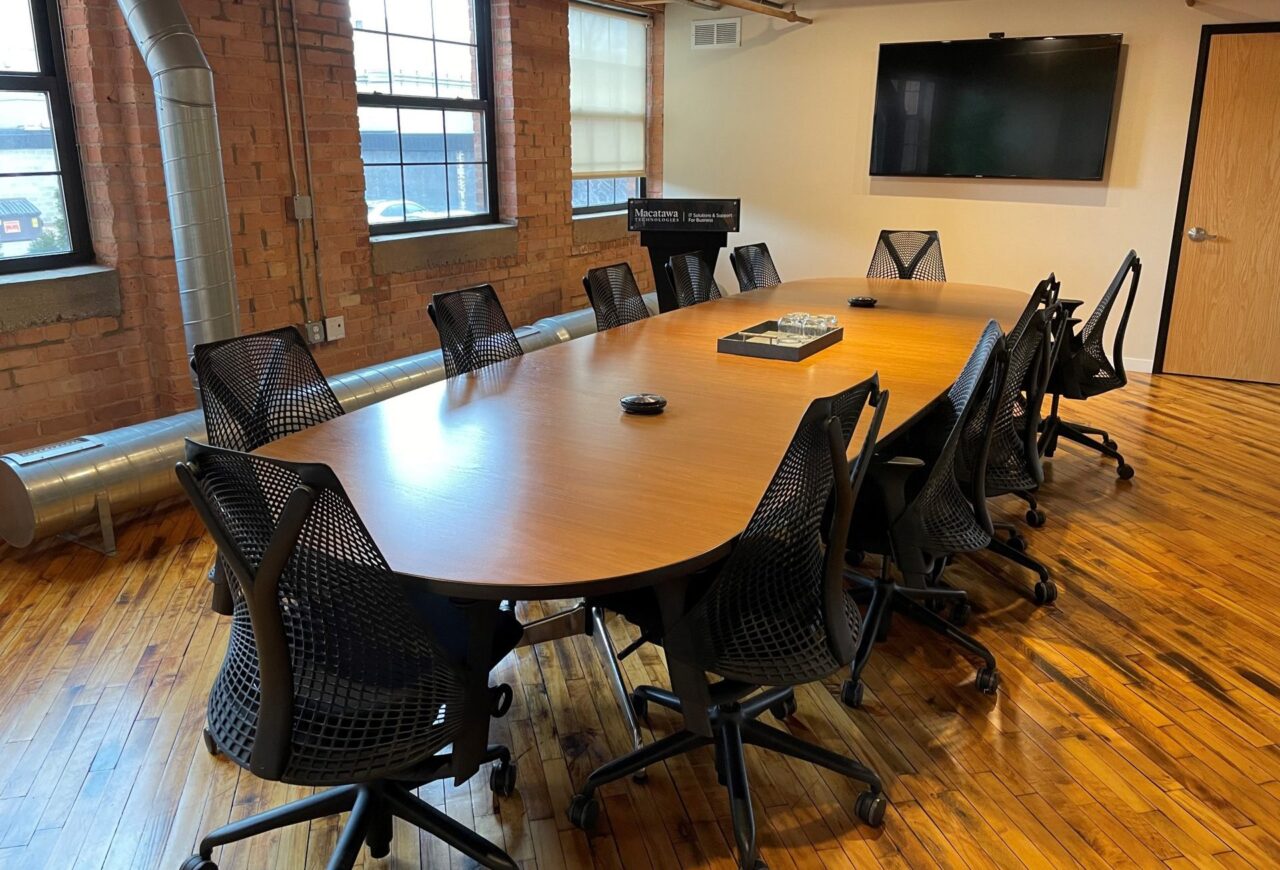
To further support this collaboration, we recently adapted our conference room for Microsoft Team Meetings. This has allowed us to continue to utilize our conference room space, safely and effectively.
Four steps to building a conference room that works for your business:
1. Microsoft Teams
Microsoft Teams allows you to collaborate via chat, video conferencing, file storage, and application integration. This service is a great solution to streamline online communication throughout your whole organization.
2. Television or Screen
As we implement more virtual team meetings, as well as virtual events, an established television or screen in our conference room allows us to display presentations and see Microsoft Teams Meeting participants.
3. Wireless, Hassle-free Table Speakers
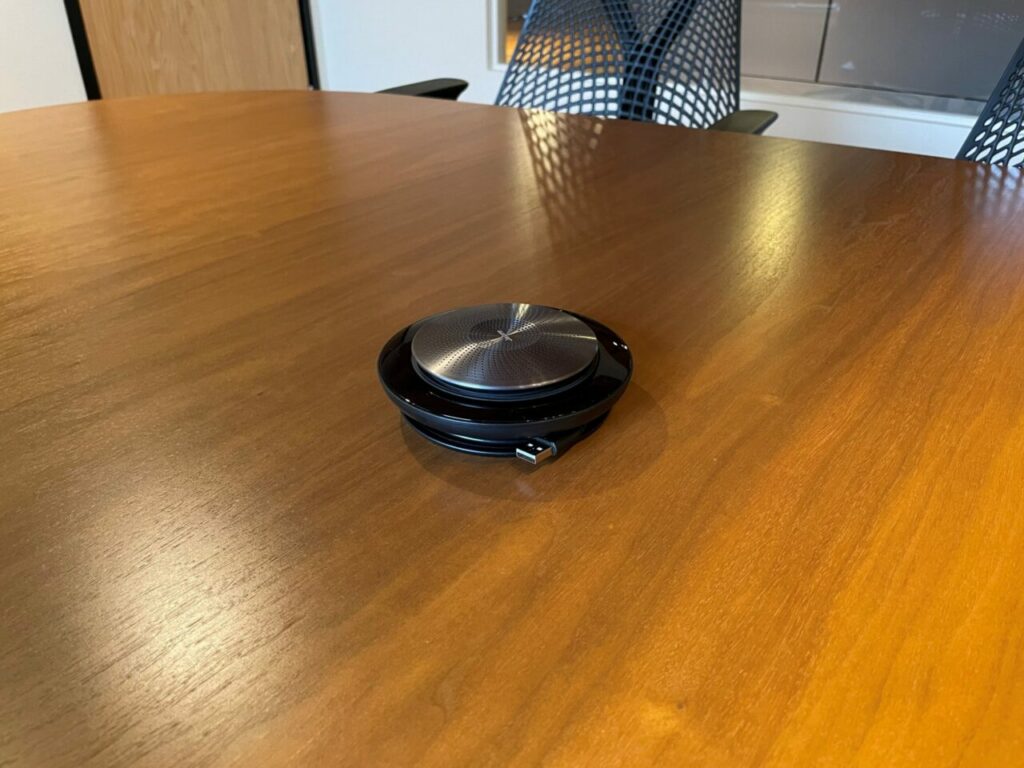
One of the things we researched extensively, when adapting our conference space, were speaker options. After lots of research and trial-and-error, we found a hassle-free, wireless table speaker option with great sound quality.
We wanted a speaker option that was easily portable or removable if we were to use them in a different location – or not use them at all. These speakers are also battery operated, which adds to their portability.
4. Table-based Microphone or Calling System
Our speaker option includes a built-in microphone, which allows individuals to speak freely in a meeting, from anywhere in the room. This option also has clear sound quality. Additionally, this allows us to minimize contact within the conference room.
Contact Us!
If adapting your conference room is something you are interested in, contact us here! You can also reach us at (616) 394-4940. We install the systems outlined in this post, as well as provide Microsoft 365 services and support for your business. View our services here.